

Empowering Your Bot with Functional Tools
In the previous chapter, you finished setup the bare minimum setup so the bot can start replying to your users. In this chapter, you'll learn how to utilize AskYura's basic tools, such as:
- Notify Human Agent
- Auto-Labeling
Bot Ask Help to Human
With Notify Human Agent tool, we can set conditions using prompts to notify human agents. For our HabitTracker app, let's say we don't want our bot, Haba, to handle user bugs alone. To make human agents notified when users report a bug, we can set it up this way:
-
Go to Tools > Preset tab in the
Haba's Bot Detail.
-
Click the Notify Human Agent card.
-
In the "When should the chatbot escalate to a human agent?" field, fill it with:
when the user said a bug occurred -
Click Save & Activate
Try it out in the sandbox chat.
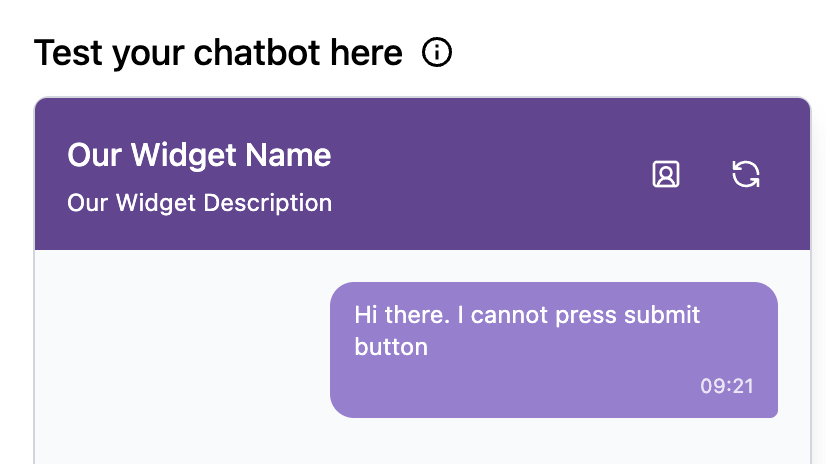
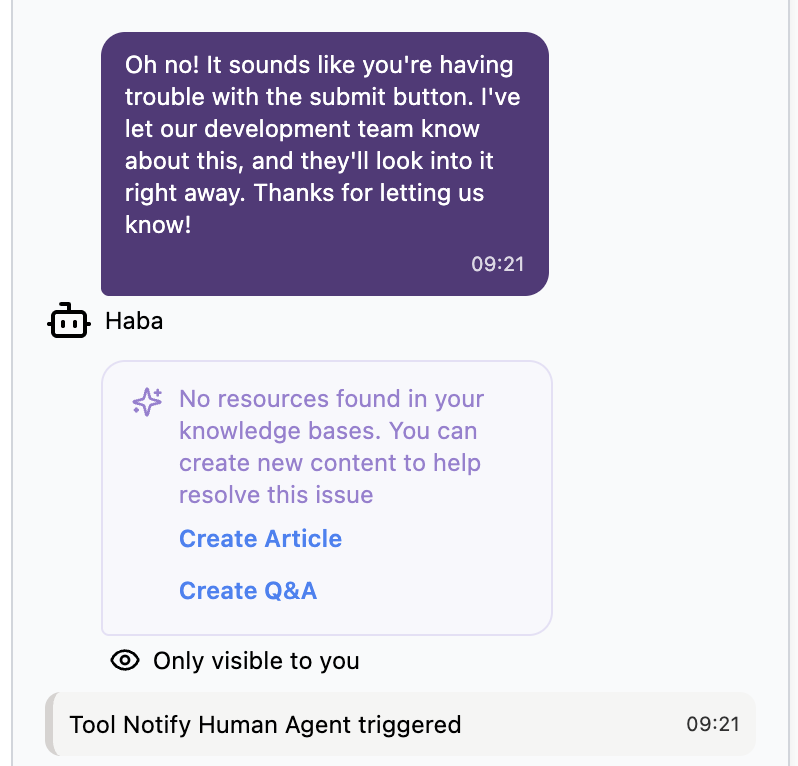
Notice there is Tool Notify Human Agent triggered.
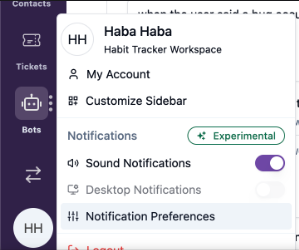
In real conversations, human agents will get desktop notifications and/or sound notifications based on their preferences. The preferences can be configured in the Profile > Notification Preferences:
Label the Conversations
To help us analyze our users' problem, we can use the Auto-Labeling tool to give labels to conversations based on prompts. Let's say we want to label conversations where users suggest new features. We can set it up this way:
-
Go to Tools > Preset tab in the
Haba's Bot Detail. -
Click the Auto-Labeling card.
-
Click Add to add a new prompt.
-
Fill in the description as:
when user mentions or suggests a new feature that is not included in the current app -
Fill in the label as
feature suggestions. Since we don't have the label yet, we can use Create Label button in the dropdown field. -
Click Save & Activate.
Try it out in the sandbox chat.
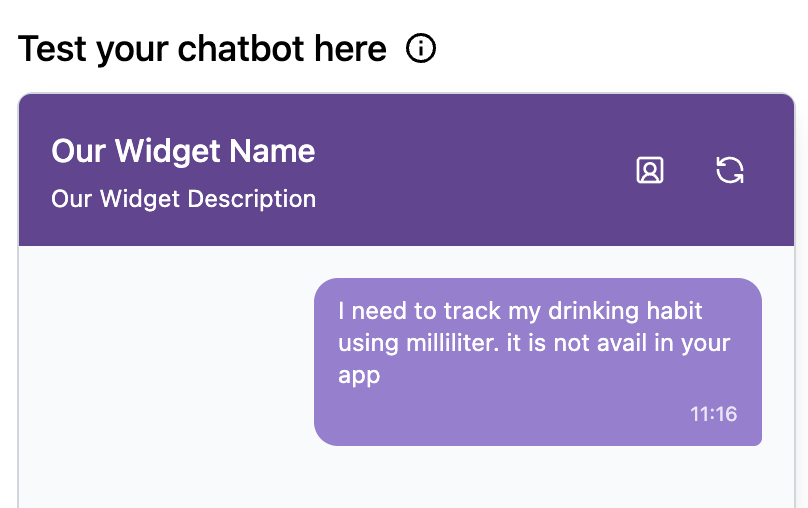
Notice there is Conversation labeled as.
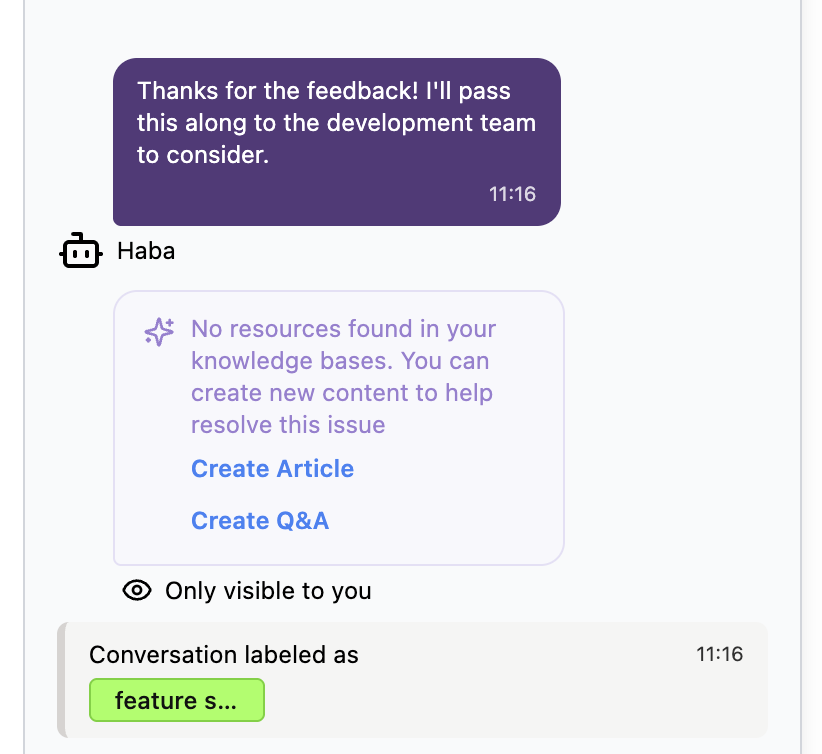
In real conversations, you can view and filter labels in the inbox menu, reports, etc.
Wrapping Up
You've learned how to use two essential tools in AskYura:
- Notify Human Agent to escalate complex issues to your human team
- Auto-Labeling to automatically categorize conversations for better insights
With these tools, your bot can now intelligently decide when to ask for help and organize conversations for easier analysis. In the next chapter, we'll focus on adding Q&A to your bot.
