

Export Web Widget Conversation
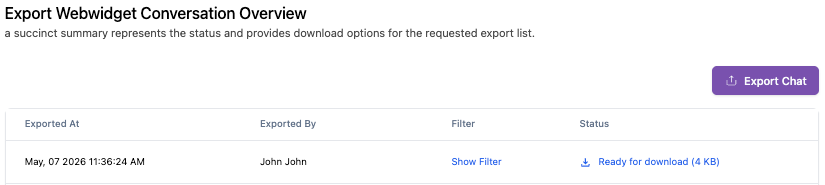
The Export Widget allows you to convert all conversation logs within the list into a downloadable digital format. It provides a succinct summary of the export's progress and, once completed, offers direct download options.
How to Export
-
Select the bot whose conversations you want to export.

-
Choose the date range to define the start and end period of the conversations.

-
Apply additional filters such as human agent, labels, and conversation status, if needed.

-
Enable the option to include conversations that contain attachments, if needed.

-
Submit the export request. Your request will appear in the export list.
-
Once the system has finished processing the request, you will be able to download the exported data.

The exported report may expire after a certain period. If the report is no longer available, you will need to generate and export a new report.
