Announcement & Campaign
Announcement
Announcements are used to display important information to customers, helping ensure that key updates or notices are seen before or during a conversation.
Announcement Settings
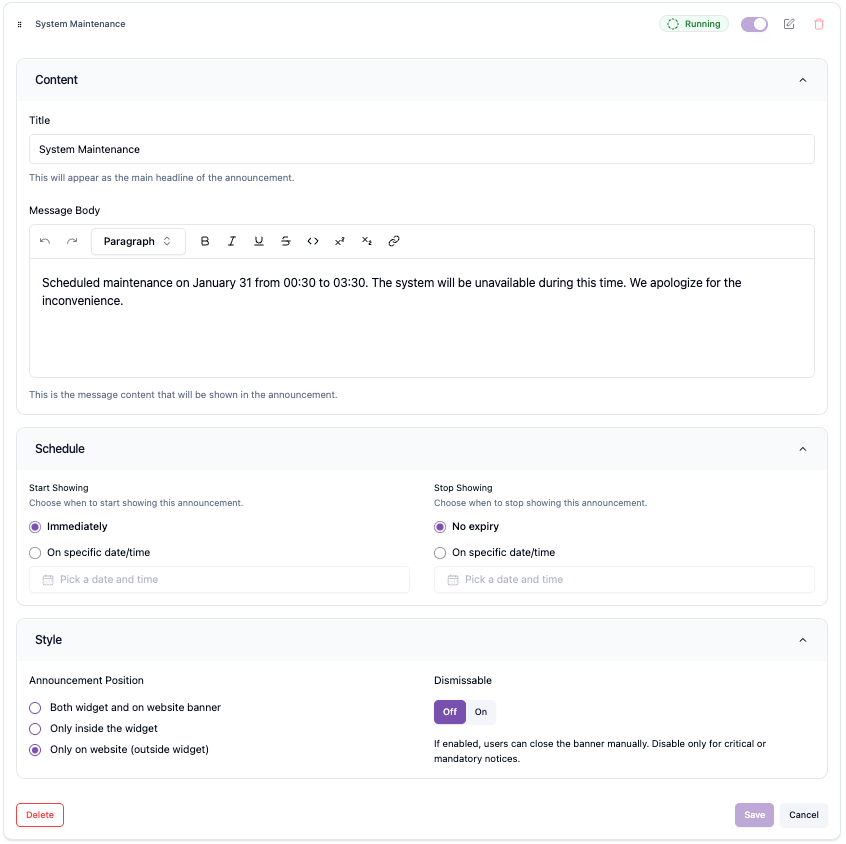
- Title: The headline of the announcement that clearly communicates the main message to customers.
- Message Body: The main content of the announcement. Use this field to provide detailed information, instructions, or updates you want customers to read.
- Schedule: Defines when the announcement will start and stop appearing. You can set a specific start date and end date to control the announcement's visibility period.
- Style: Controls how the announcement is visually presented to customers. There are 3 positions to display announcements, both widget and on website banner, only inside the widget, only on website (outside widget).
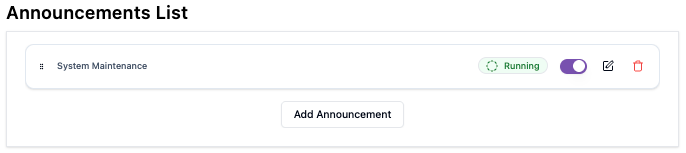
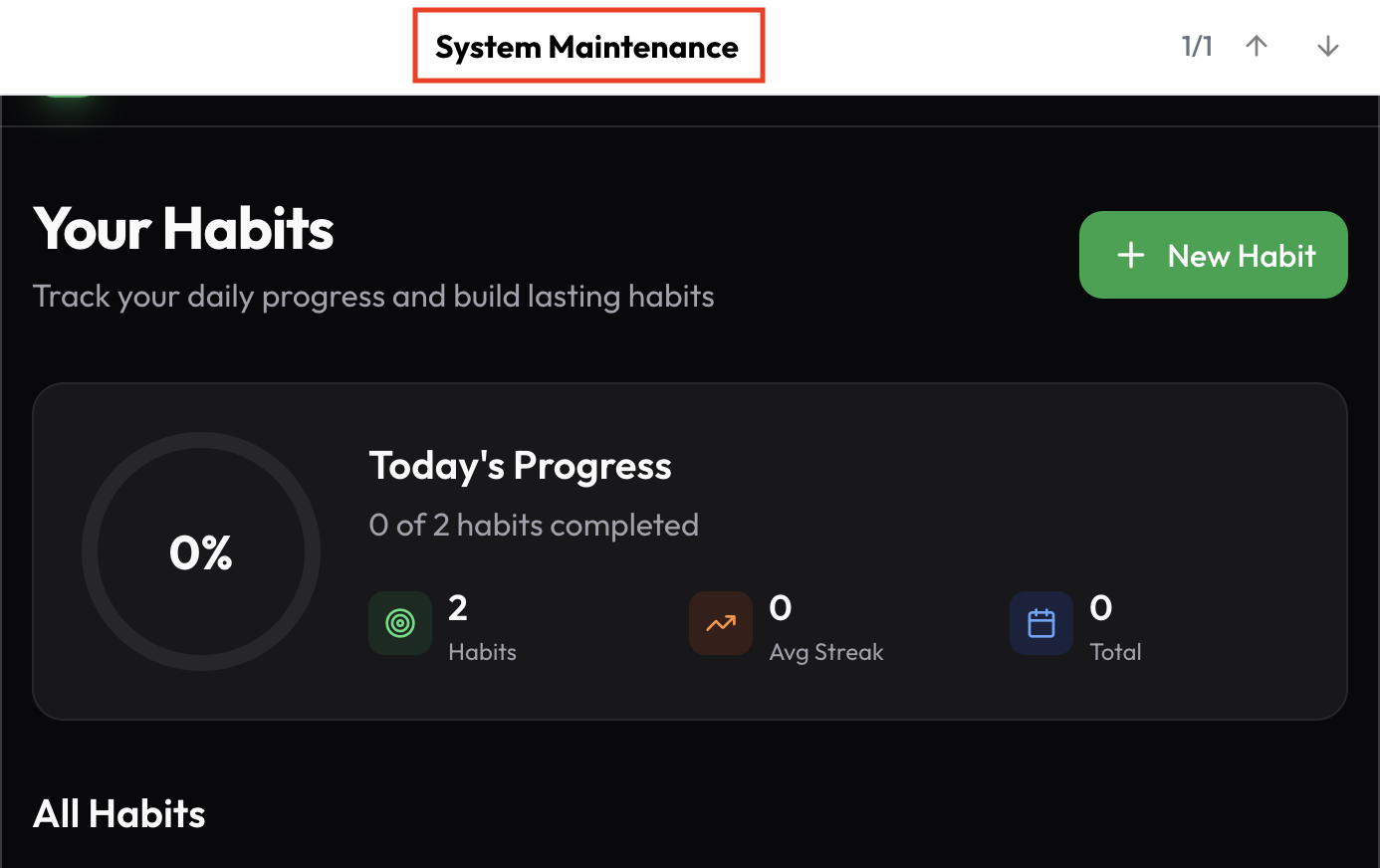
After setting up the announcement, you can enable it using the toggle on the announcement list page. Below are examples of the three available positions.
-
Both widget and on website banner

-
Only inside the widget

-
Only on website (outside widget)
Campaign
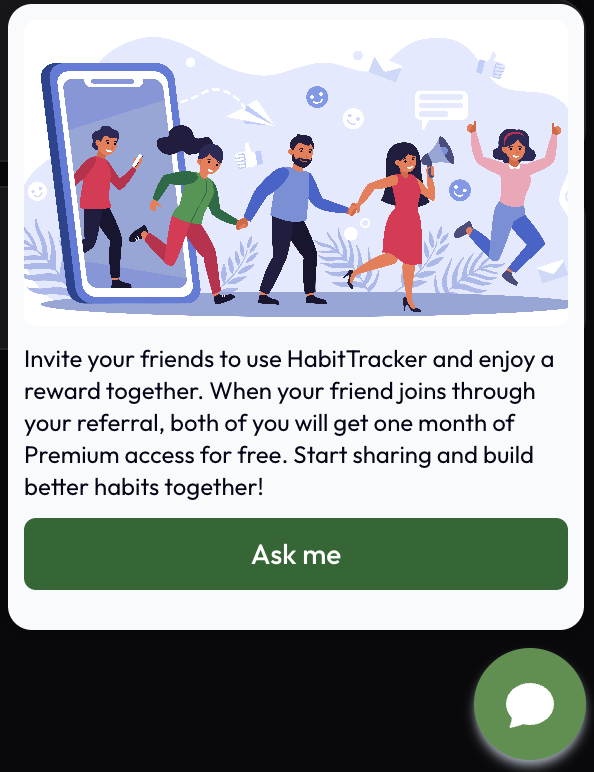
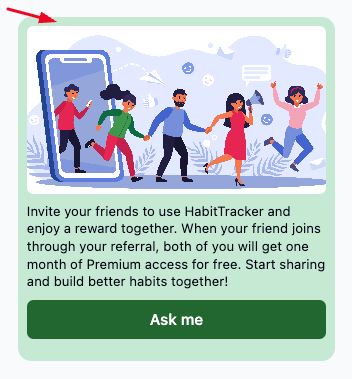
Campaigns are used to promote offers or highlight key messages on your website. They're displayed as banner style messages at the top of the page, making them ideal for promotions, events, or announcements that need high visibility.
Campaign Settings
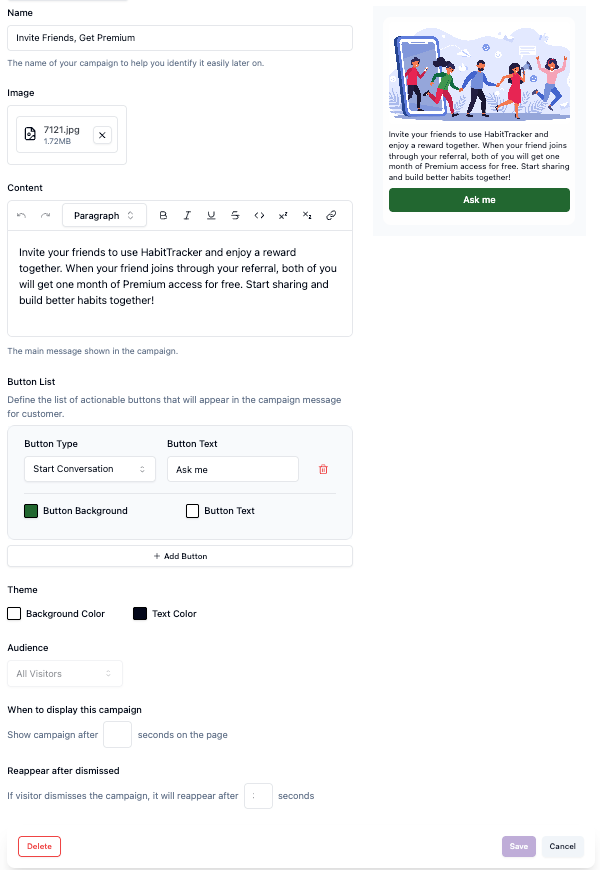
Title: The headline of the campaign that clearly communicates the main message to customers.
Image: Upload an image to visually support your campaign message and make it more engaging for customers.
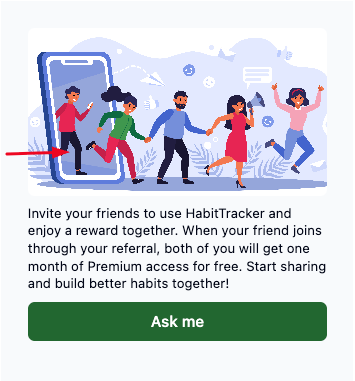
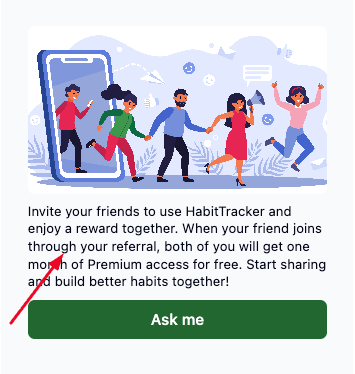
Content: The main content of the campaign. Use this field to provide detailed information, instructions, or updates you want customers to read.
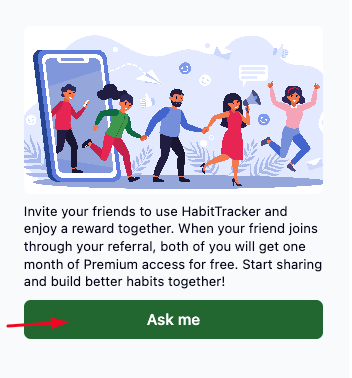
Button List: Define the list of actionable buttons that will appear in the campaign message for customer.
Theme: define the background campaign colors that you will display.
Audience: Define which customers will see the campaign based on your targeting criteria.
When to display this campaign: Set the time delay (in seconds) for when the campaign appears for the first time after a customer visits the page.
Reappear after dismissed: Specify how long (in seconds) after being dismissed the campaign will be shown again to the customer.
After setting up the campaign, you can enable it using the toggle on the campaign list page and your campaign will appear on customer side.