Pre-Chat Configuration
Pre-Chat Configuration manages what customers see before starting a chat. You can provide self-service support through the Help Center, collect customer information with a prechat form, and suggest quick messages to help customers start conversations efficiently.
Help Center
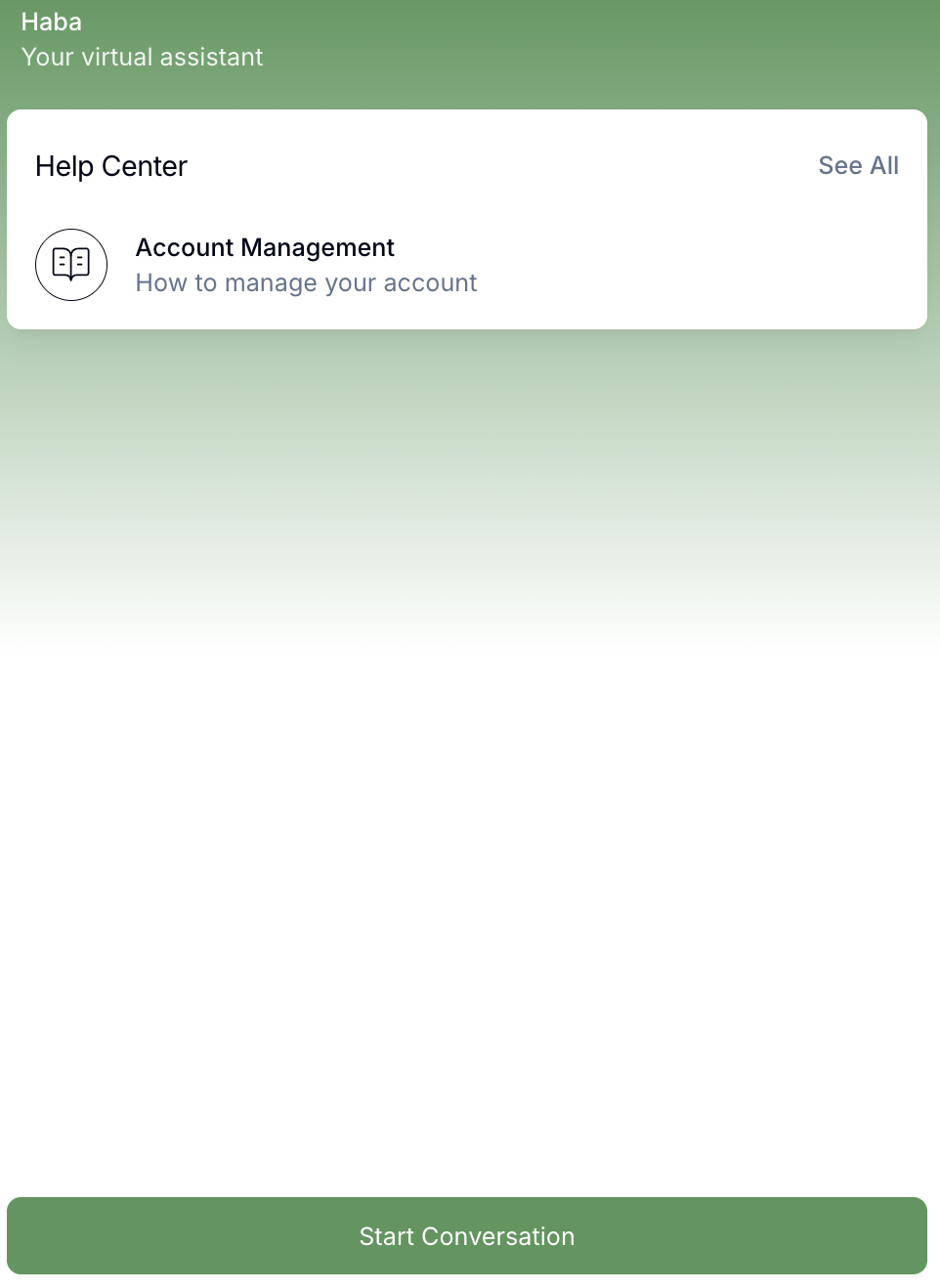
The Help Center provides customers with self-service support before they start a chat. To enable it, turn on Enable Help Center and build your content using the Visual editor, or switch to the Advanced tab to upload or edit a JSON file directly. See the Help Center page for full setup details.

Once activated, the Help Center will be visible to customers when they open the chat widget.
Prechat
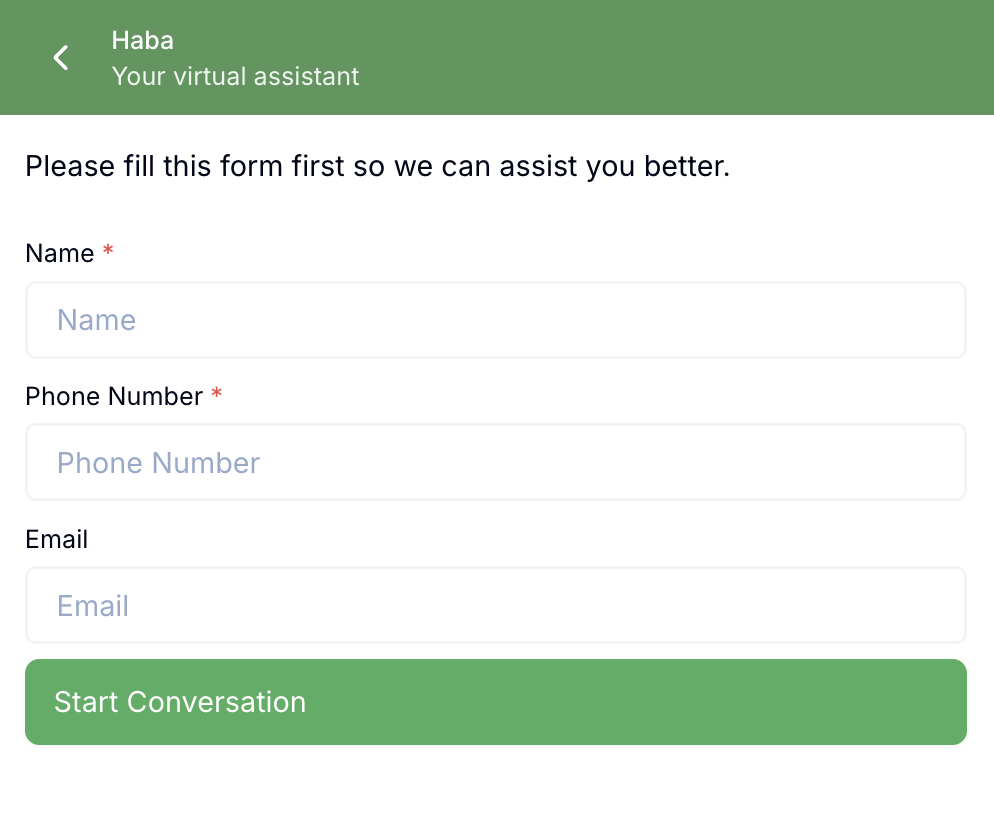
The prechat form is used to collect customer information before starting a chat. You must set a message that appears at the top of the form to guide customers. You can add topics that have been created previously. For details on how to create topics, please refer to Topic & Attribute Page. You can also create new topics directly from this page.

When customers start a conversation, they will be asked to fill in the topic you set on the pre-chat form.
Chat Suggestions
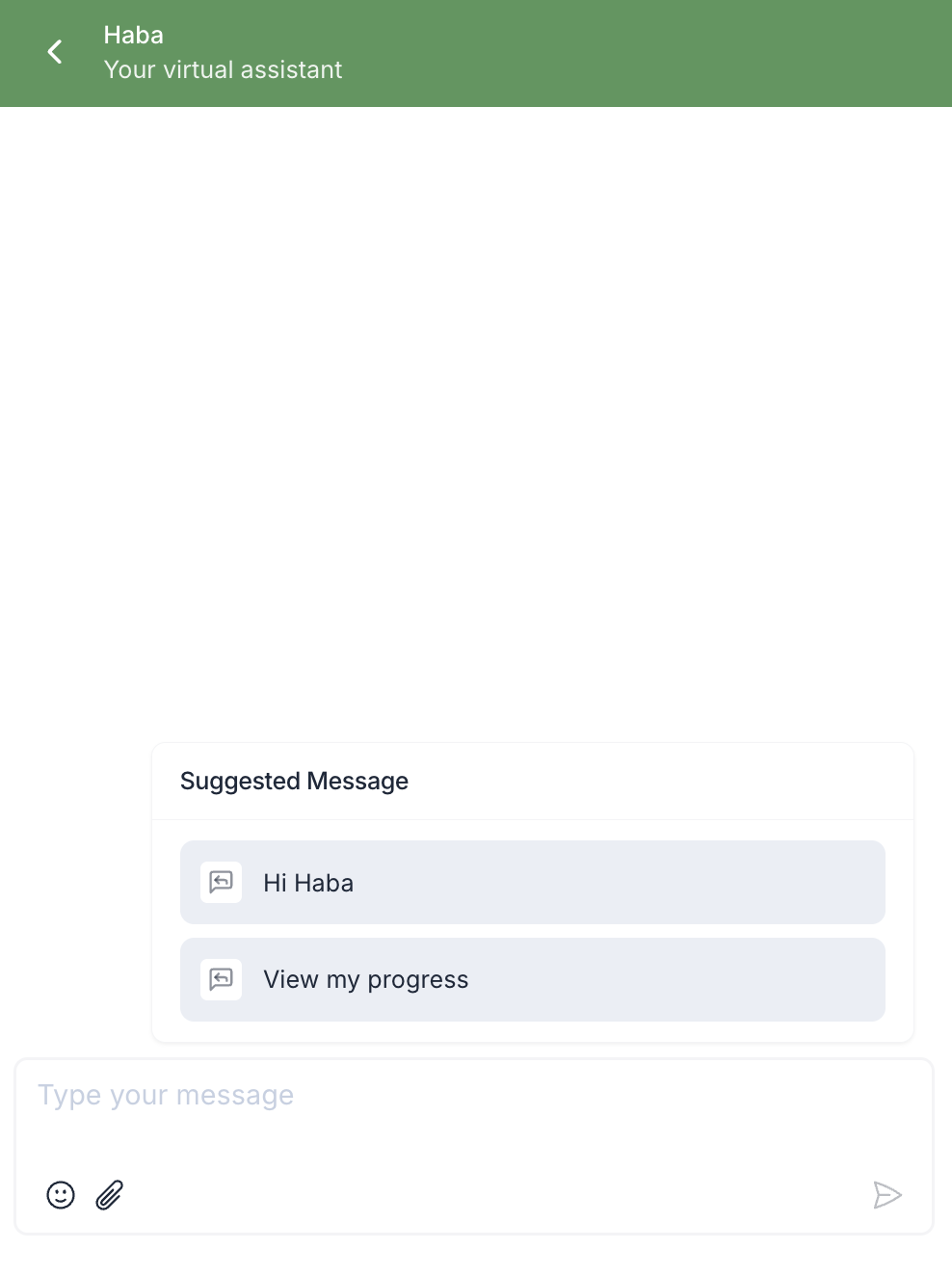
Chat suggestions are used to prepare quick messages that customers can select to start a conversation more easily. You can add up to 10 chat suggestions with 20 characters each and you can also set how many you want to display.

This is the chat suggestion display. Customers can select one of the available options, and it will become their first chat bubble.