

Chat Status
In Askyura, there are three chat statuses used to indicate the current state of a conversation. These statuses help agents understand whether a chat is active, temporarily completed, or fully closed, so they can manage conversations effectively.
The following sections describe each chat status and how it is used throughout the conversation lifecycle.
Open
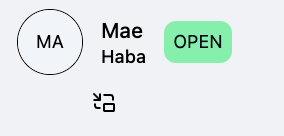
Open is the default status when a new chat is created. It indicates that the conversation is active and can be handled by an AI agent or a human agent.
Any conversation that is currently being handled or still requires action will remain in this status.
Resolved
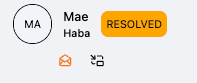
Resolved indicates that the conversation has been marked as completed, but not permanently closed. This status is typically applied after a period of inactivity or when an agent considers the issue solved.
While in this status, both customers and agents can still send messages to reopen and continue the conversation if needed. A conversation can be resolved manually by an agent or automatically based on your chat configuration.
You can check this page to find out more about chat configuration.
Finalized
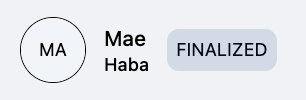
Finalized means the conversation has fully ended. This status is applied when a customer explicitly ends the chat or when it is automatically finalized based on your chat configuration.
Once a conversation is finalized, it cannot be reopened or continued. It is kept for reference and reporting purposes only.
