

Plugins
The Plugins tab lists the plugins available for your bot. Each plugin can be turned on or off with the toggle on its card. Click View details to configure the plugin.
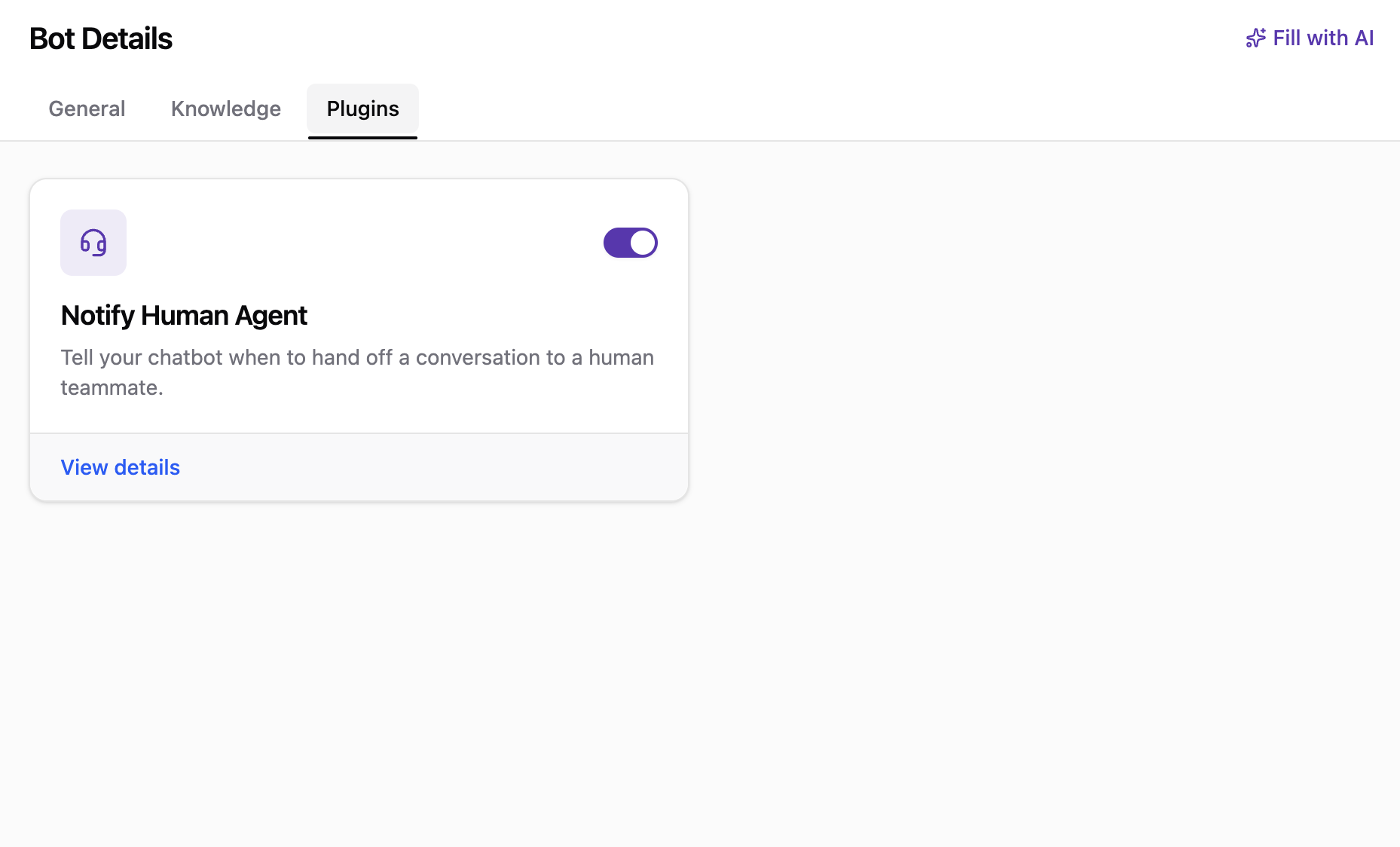
More plugins coming soon:
Notify Human Agent is currently the only plugin available. More plugins
will be added to the latest bot shortly.
Notify Human Agent
The Notify Human Agent plugin tells your bot when to hand off a conversation to a human teammate. This plugin is enabled by default for every new bot, but you can turn it off at any time using the toggle on its card.
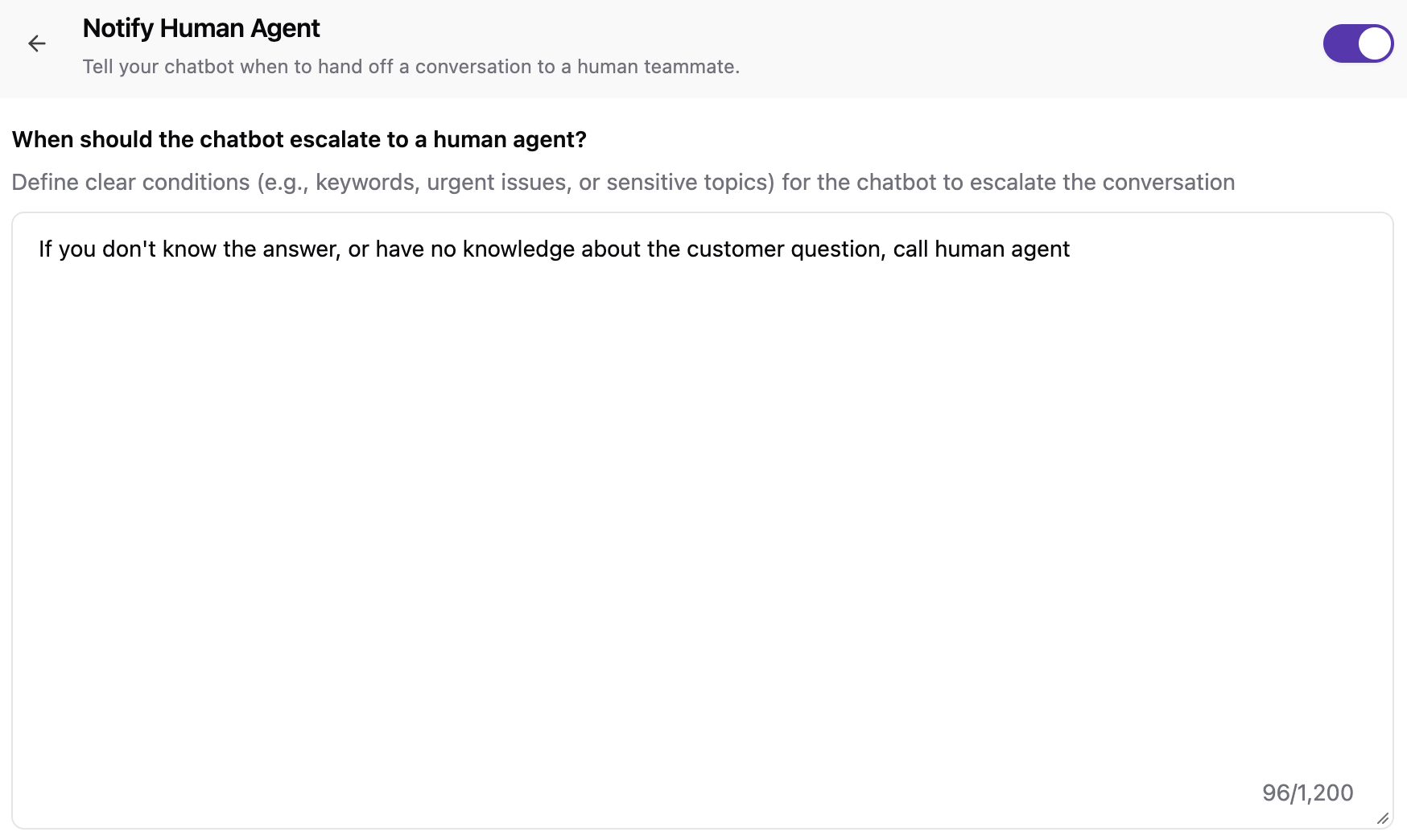
In the plugin details, the When should the chatbot escalate to a human agent? field defines the conditions for escalation, such as specific keywords, urgent issues, or sensitive topics. It comes with a default prompt:
If you don't know the answer, or have no knowledge about the customer question, call human agentYou can edit this prompt to match your support process. The field can contain up to 1,200 characters.
What Happens When the Bot Escalates
When the escalation conditions are met, the bot hands off the conversation the same way as the legacy bot:
- The conversation moves to the Incoming Chat list and is highlighted so agents can quickly spot it. Learn more on the Conversation List page.
- Agents are notified through in-app, email, or desktop notifications, depending on each agent's Notification Preferences.
